Granting Access – Cloudflare
If your site uses Cloudflare for DNS, CDN, or security, we’ll need member access to manage your configuration. Here’s how to add us.
Step 1 – Log In to Cloudflare
Go to dash.cloudflare.com and sign in.
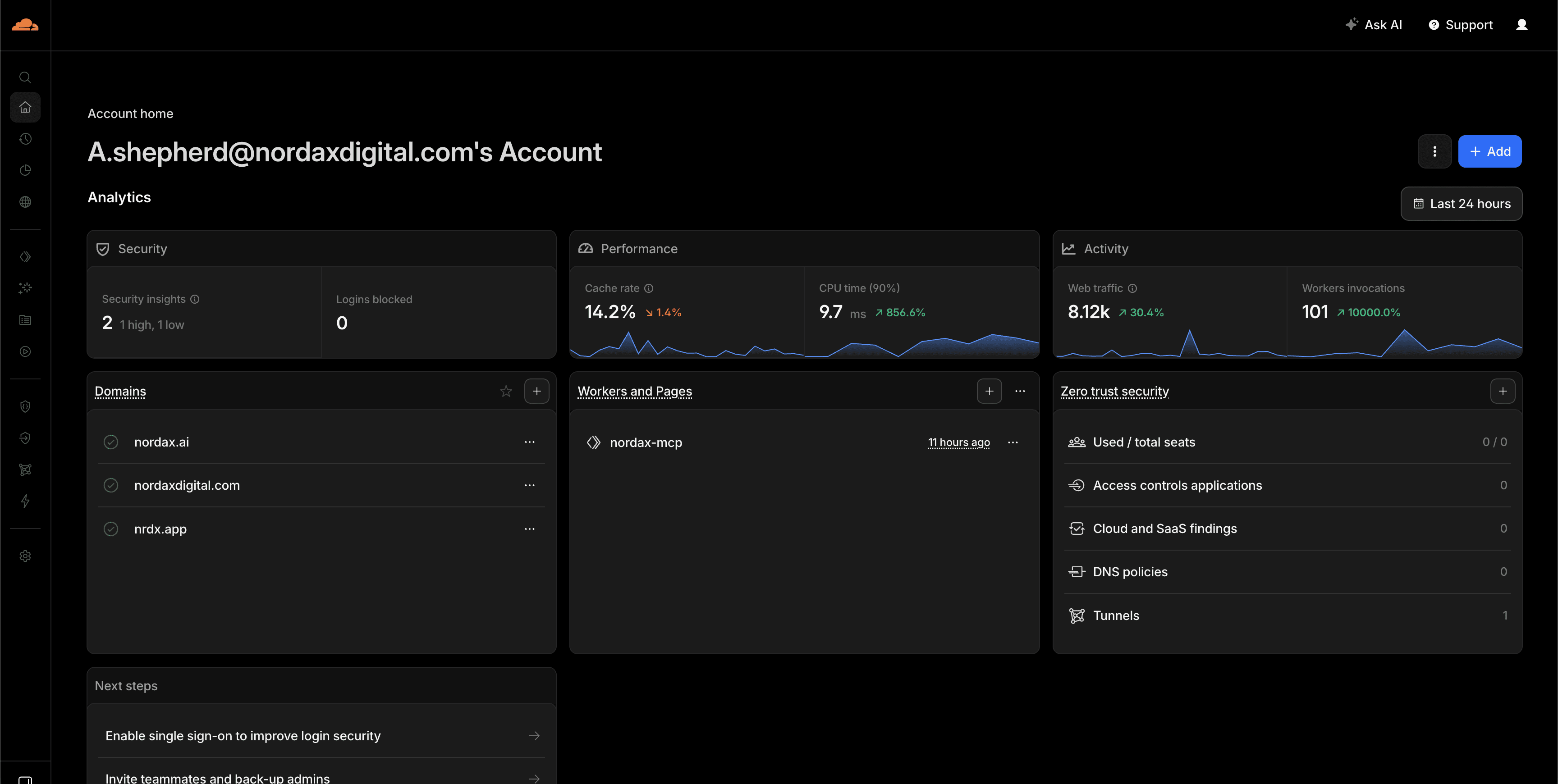
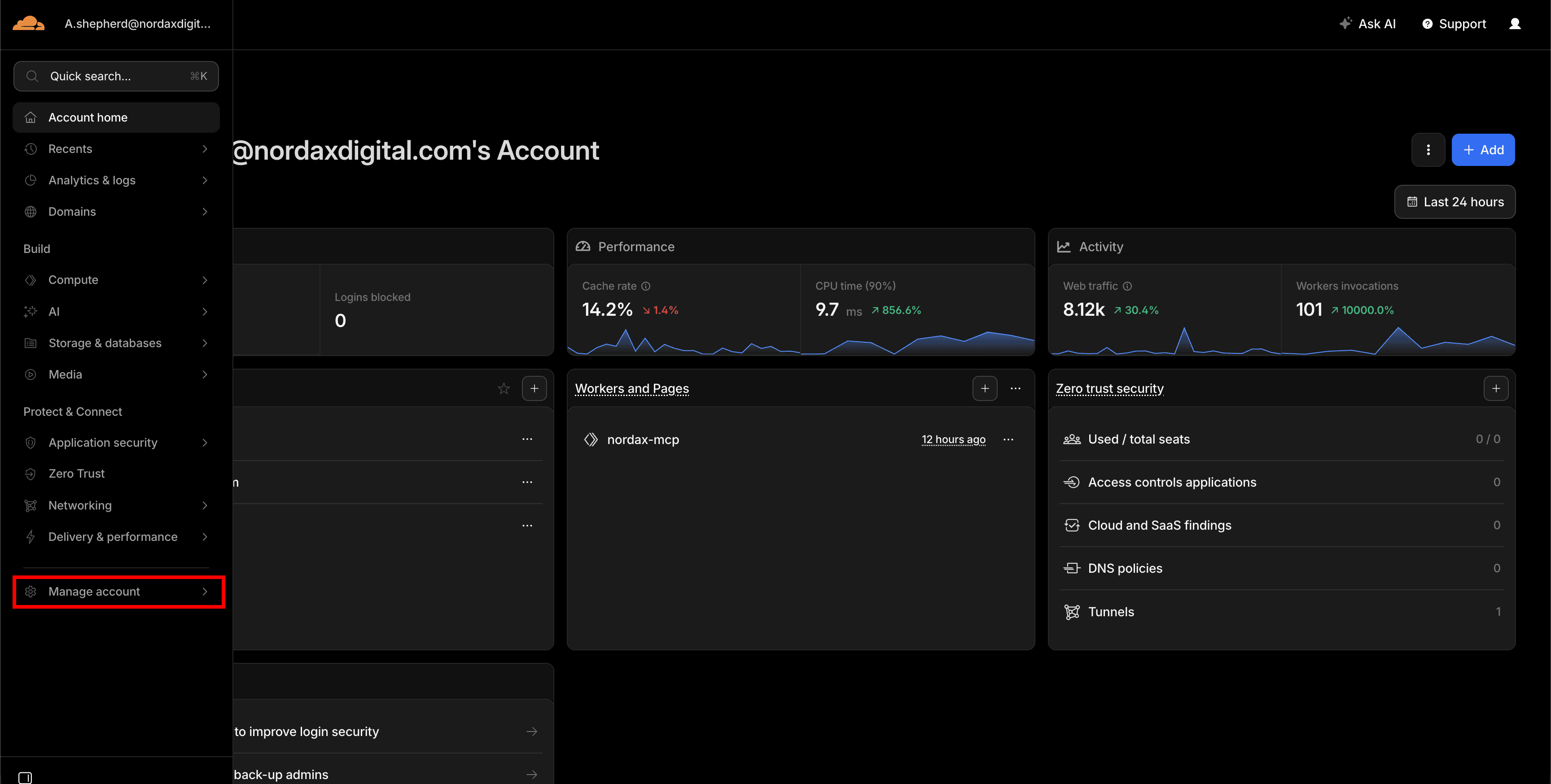
Step 2 – Go to Manage Account → Members
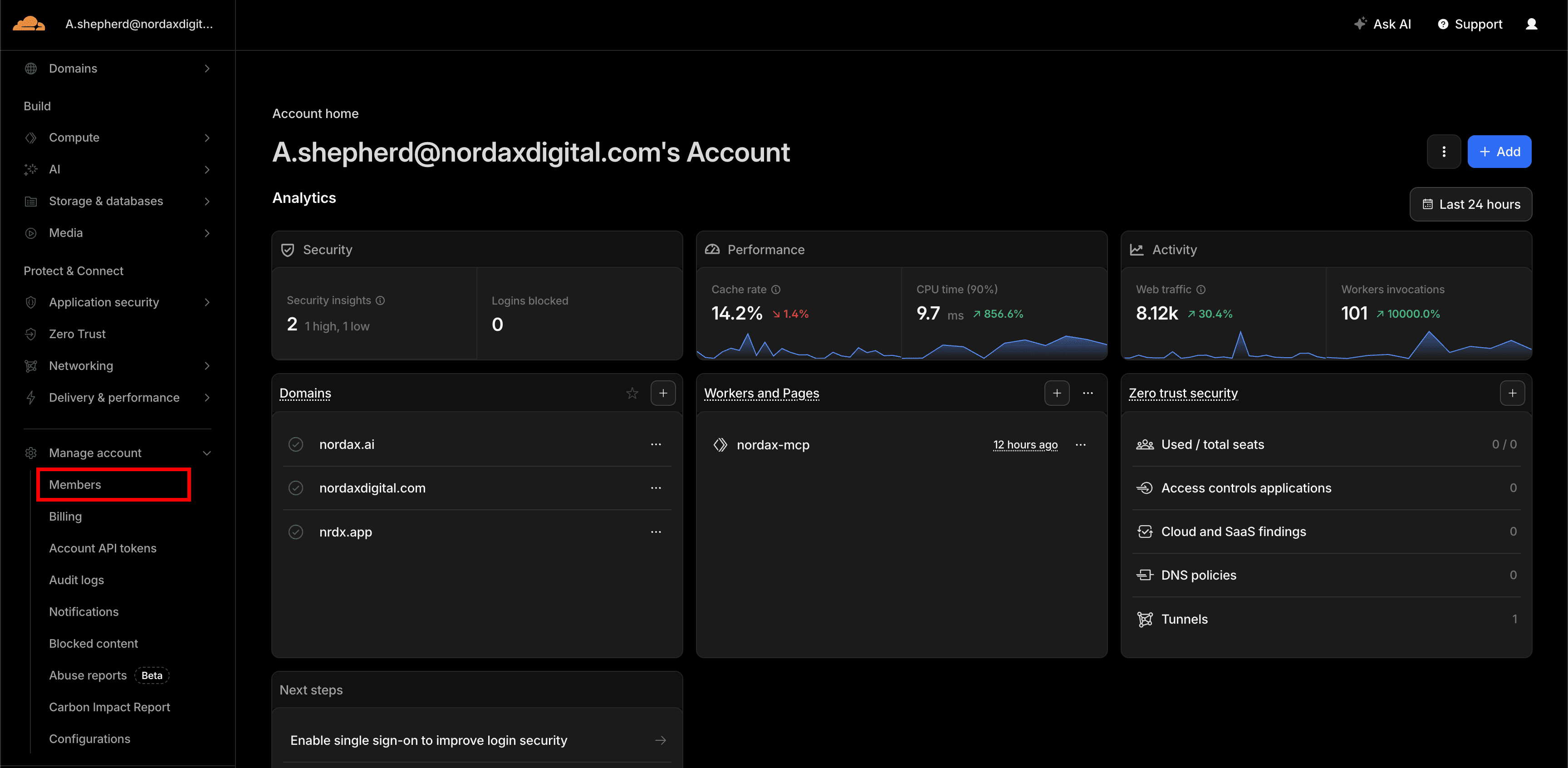
In the left sidebar, click Manage Account, then click Members.
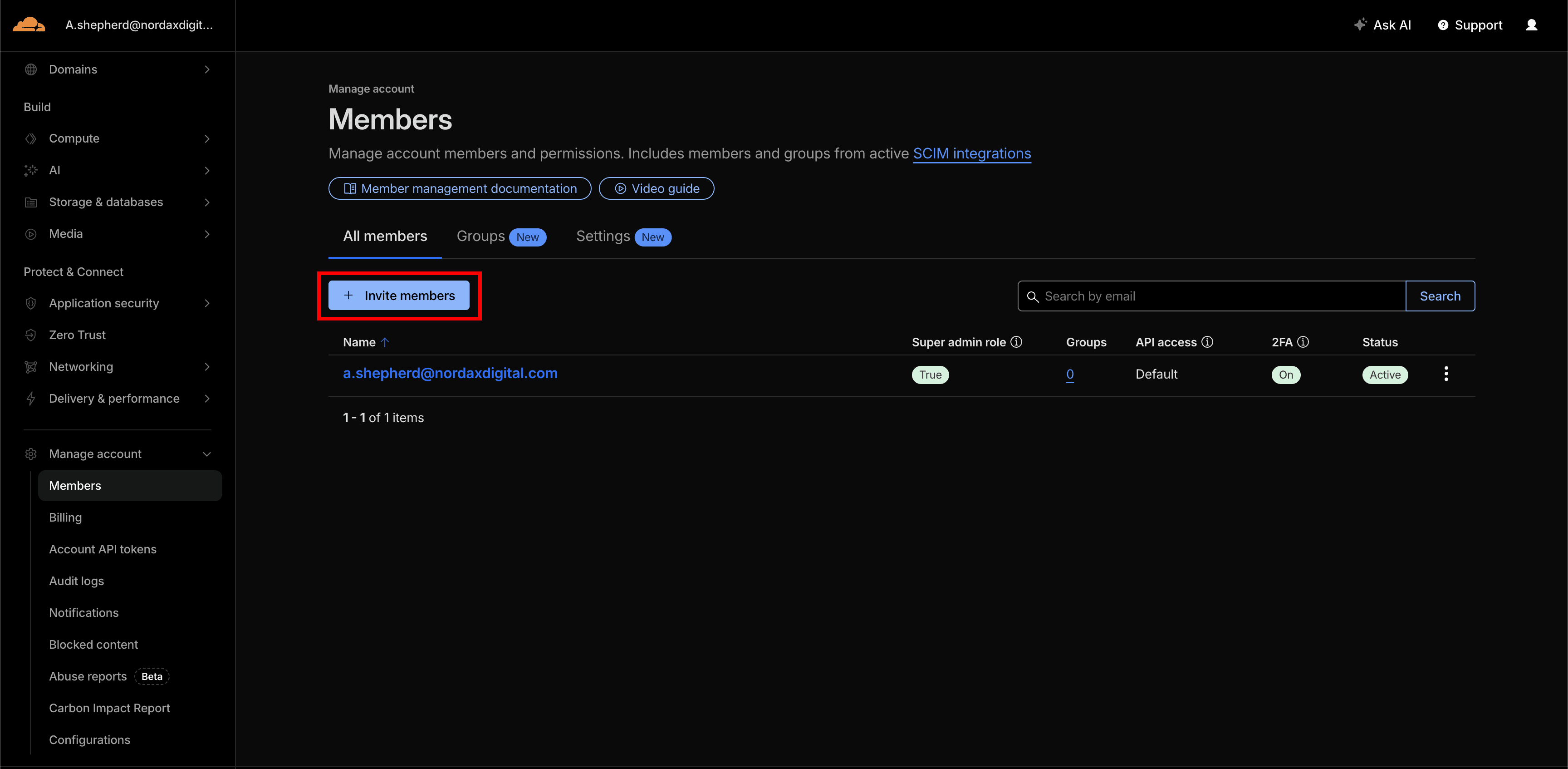
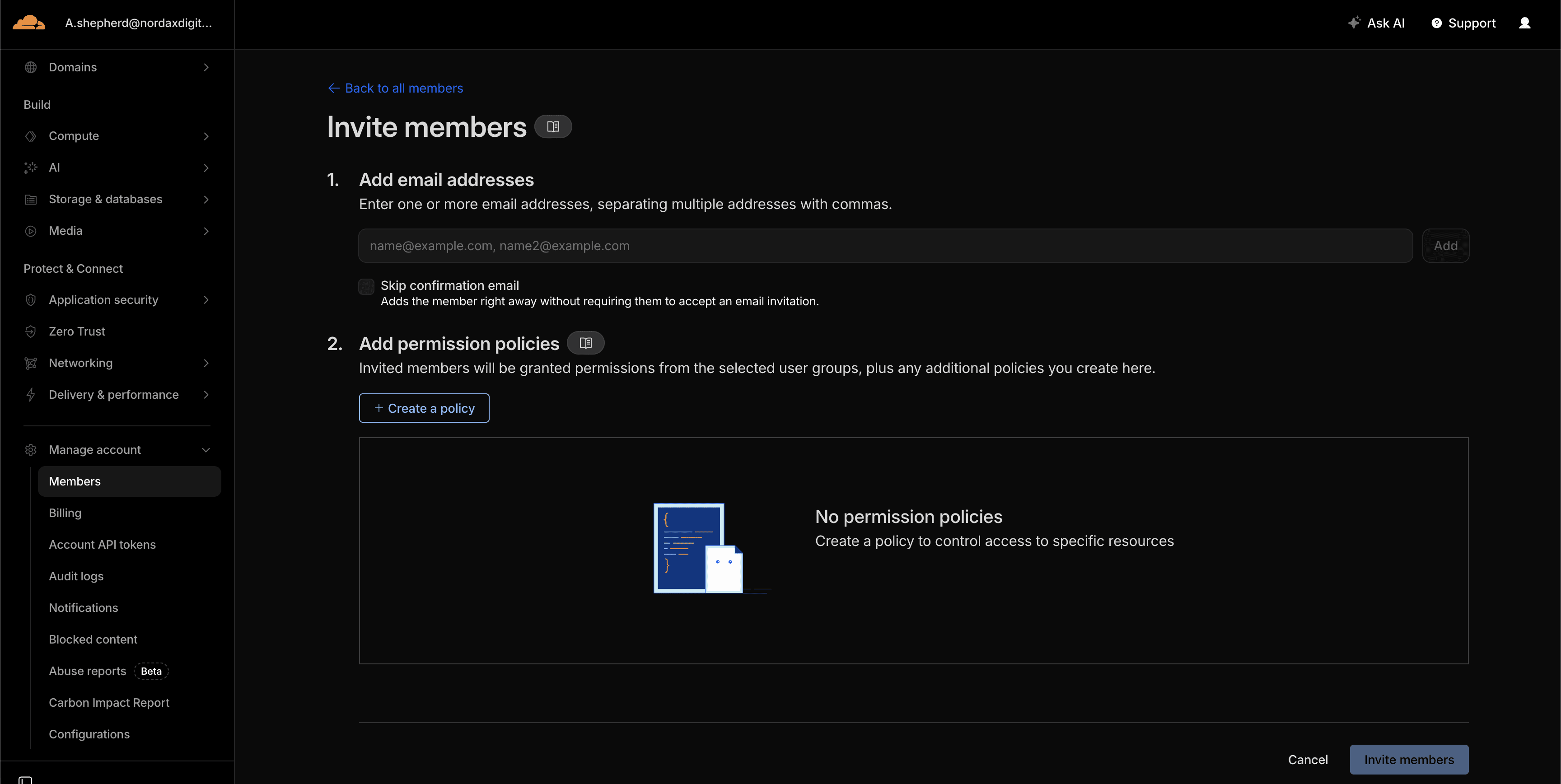
Step 3 – Invite a Member
Click Invite, enter the email address we provide, and select the appropriate role and scope. We’ll let you know what level of access we need.
Step 4 – Set Role and Scope
Select the role and scope for the invitation. We’ll confirm what’s needed for your project.
Step 5 – Confirm
We’ll receive an email invitation and accept it on our end. You can modify or remove access at any time from this same page.
Need Help?
If you’re unsure whether your site uses Cloudflare, contact us and we’ll help you figure out your setup.
Last updated on