Granting Access – WordPress
If we’re working on your WordPress site, we’ll need a user account with the right permissions. Here’s how to add us.
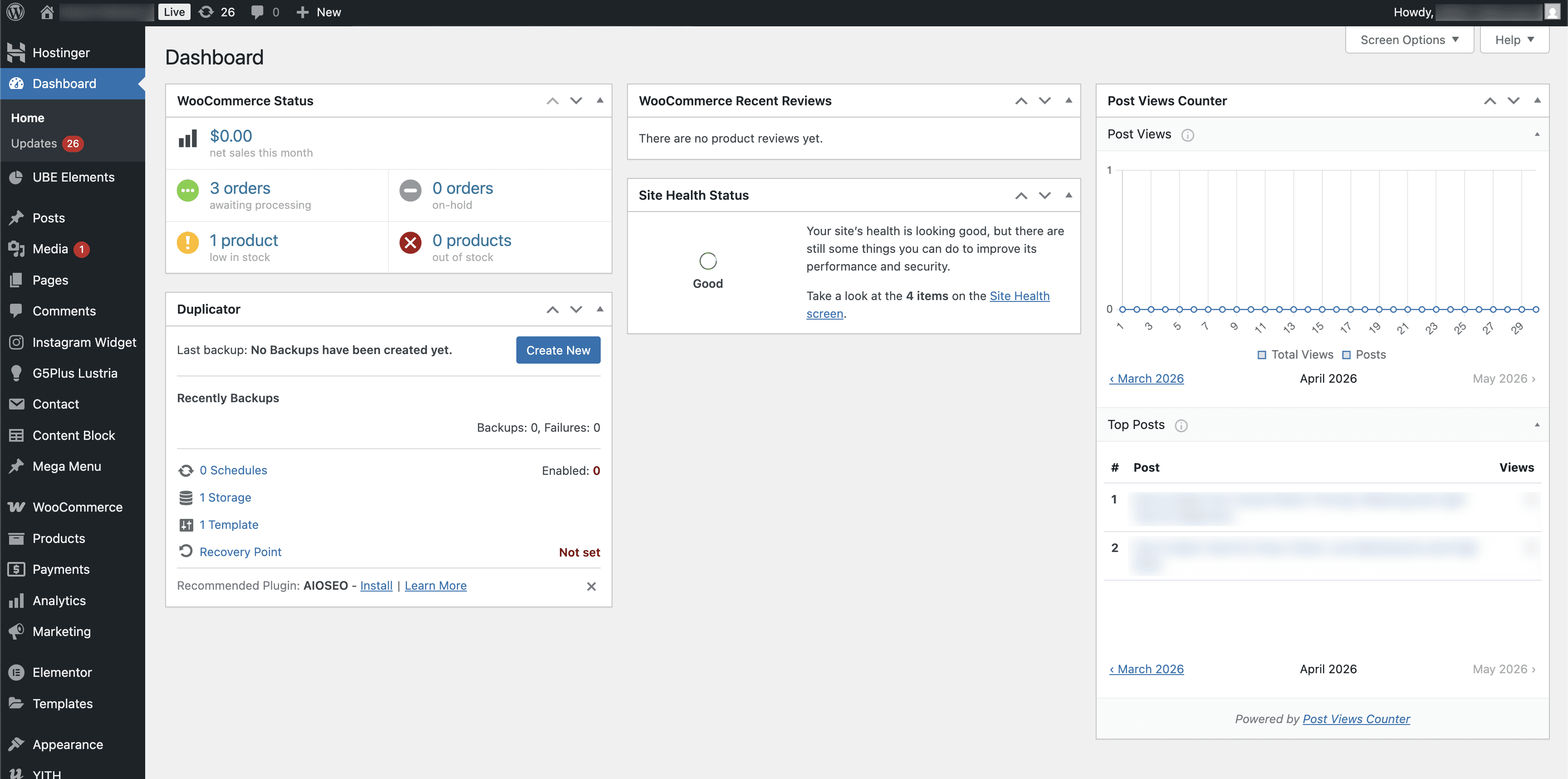
Step 1 – Log In to WordPress Admin
Go to your site’s admin panel — usually yoursite.com/wp-admin — and log in with your administrator account.
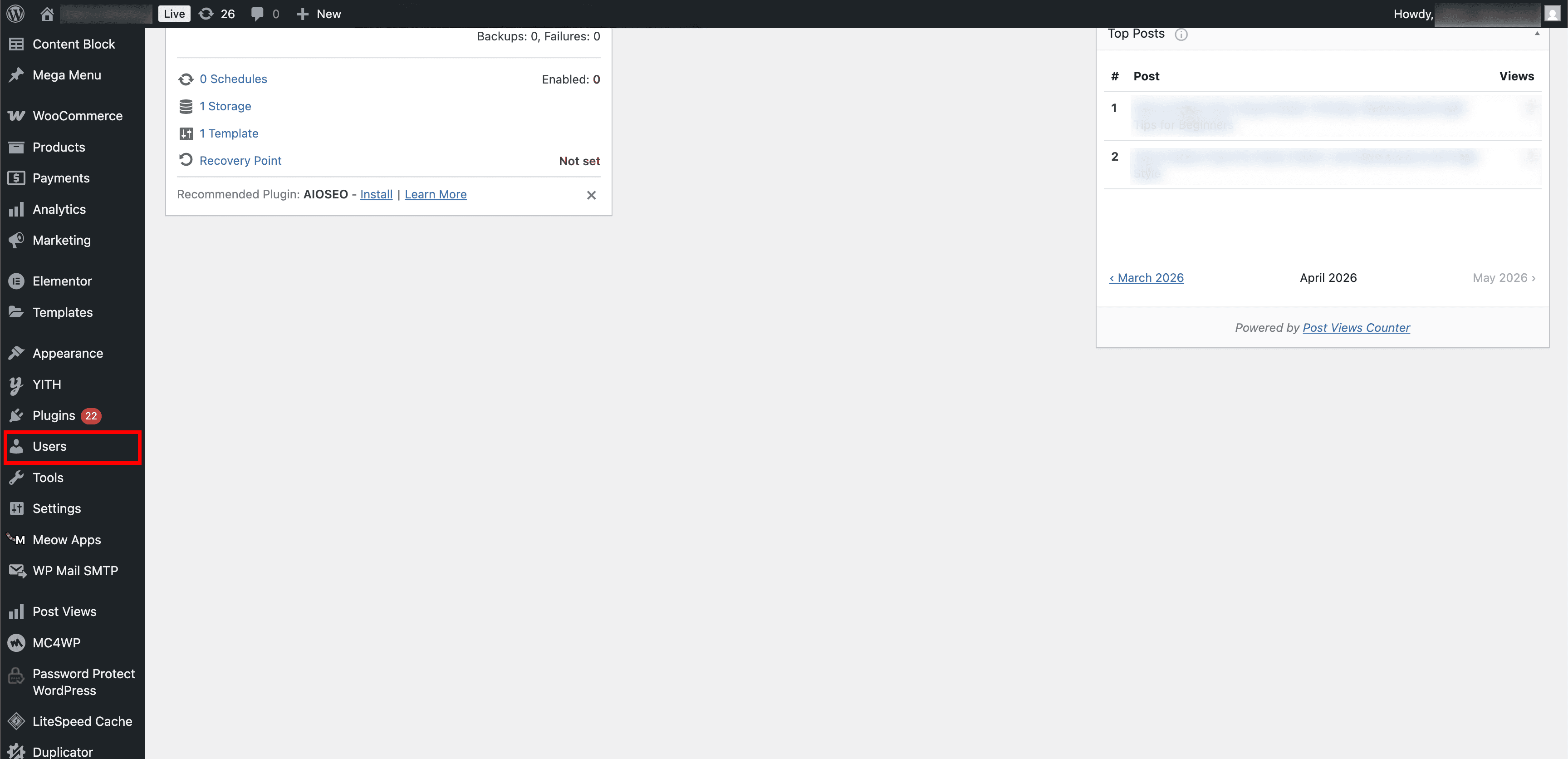
Step 2 – Click Users in the Sidebar
Scroll down in the left sidebar and click Users.
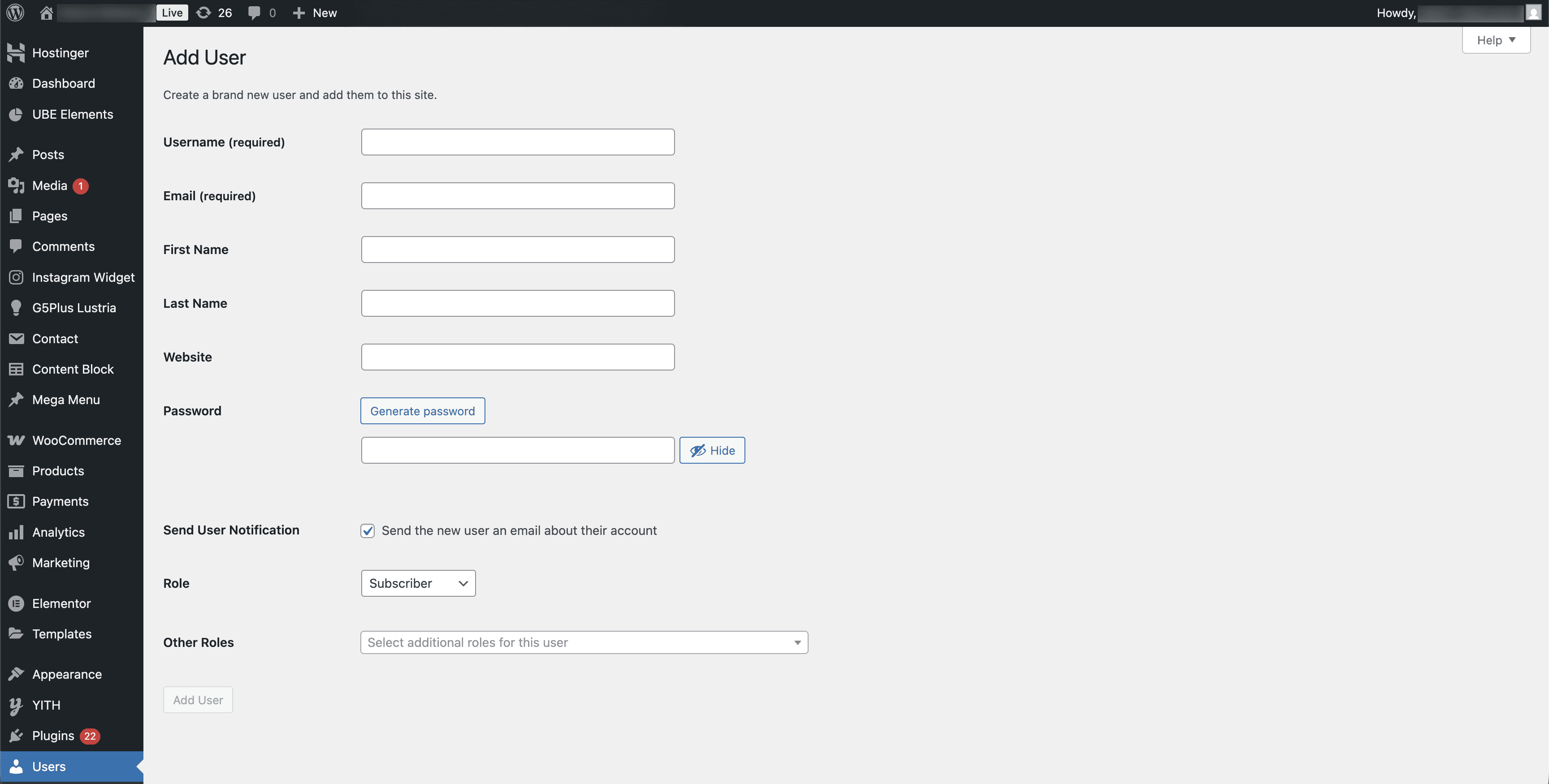
Step 3 – Fill Out the Add User Form
Click Add New User at the top. Fill in the Username and Email we provide. The other fields (First Name, Last Name, Website) are optional. You can click Generate password or set one manually — make sure “Send User Notification” is checked so we receive the login details.
Step 4 – Set the Role
Use the Role dropdown to assign the correct role. We’ll let you know which one we need — in most cases it will be Administrator.
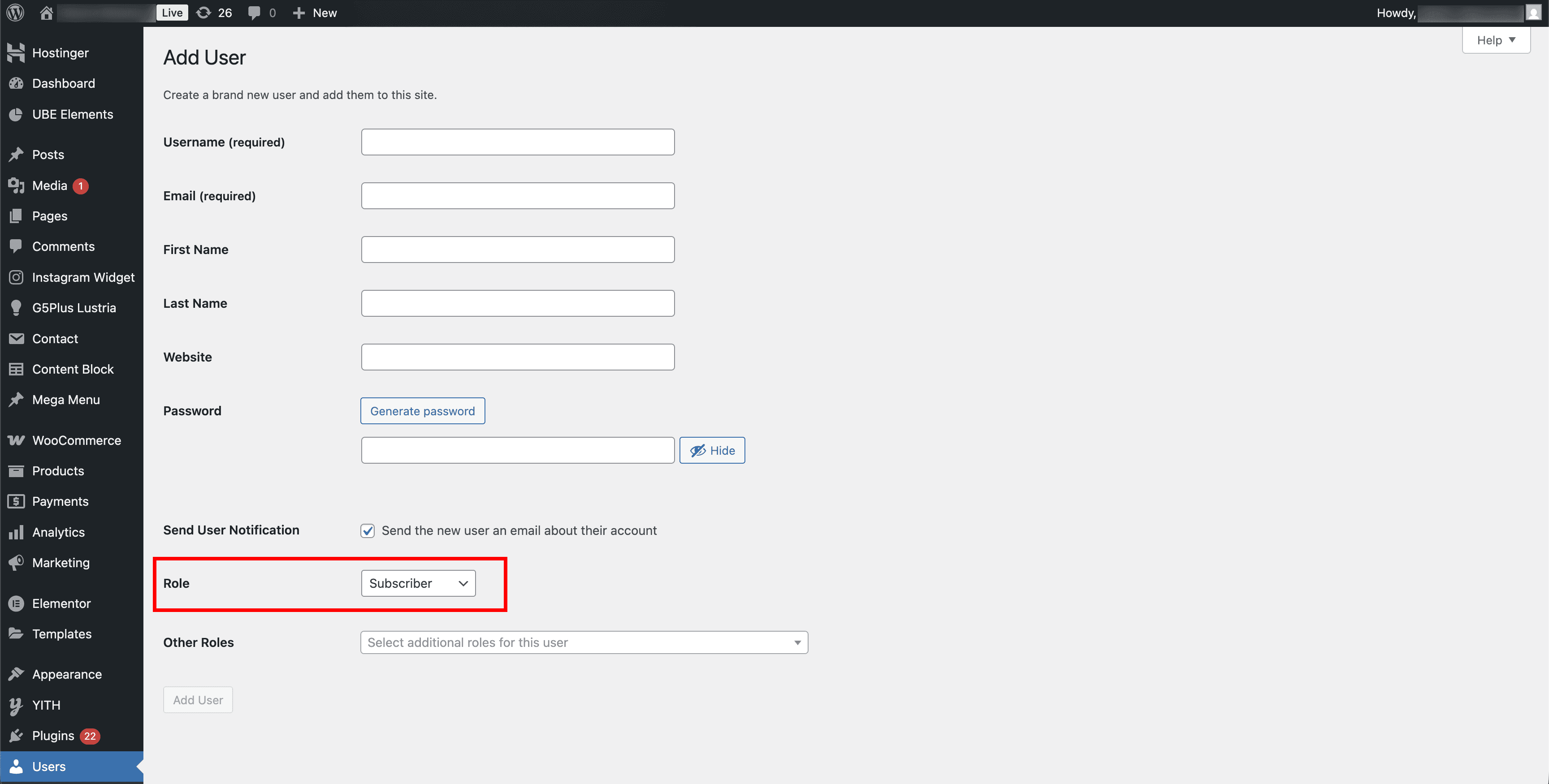
Once you’ve selected the role, click Add User at the bottom of the page. We’ll receive an email notification and can log in from there.
You can change or remove our access at any time from the Users page.
Need Help?
If you’re not sure what your admin URL is or can’t find the Users section, contact us and we’ll help you out.